
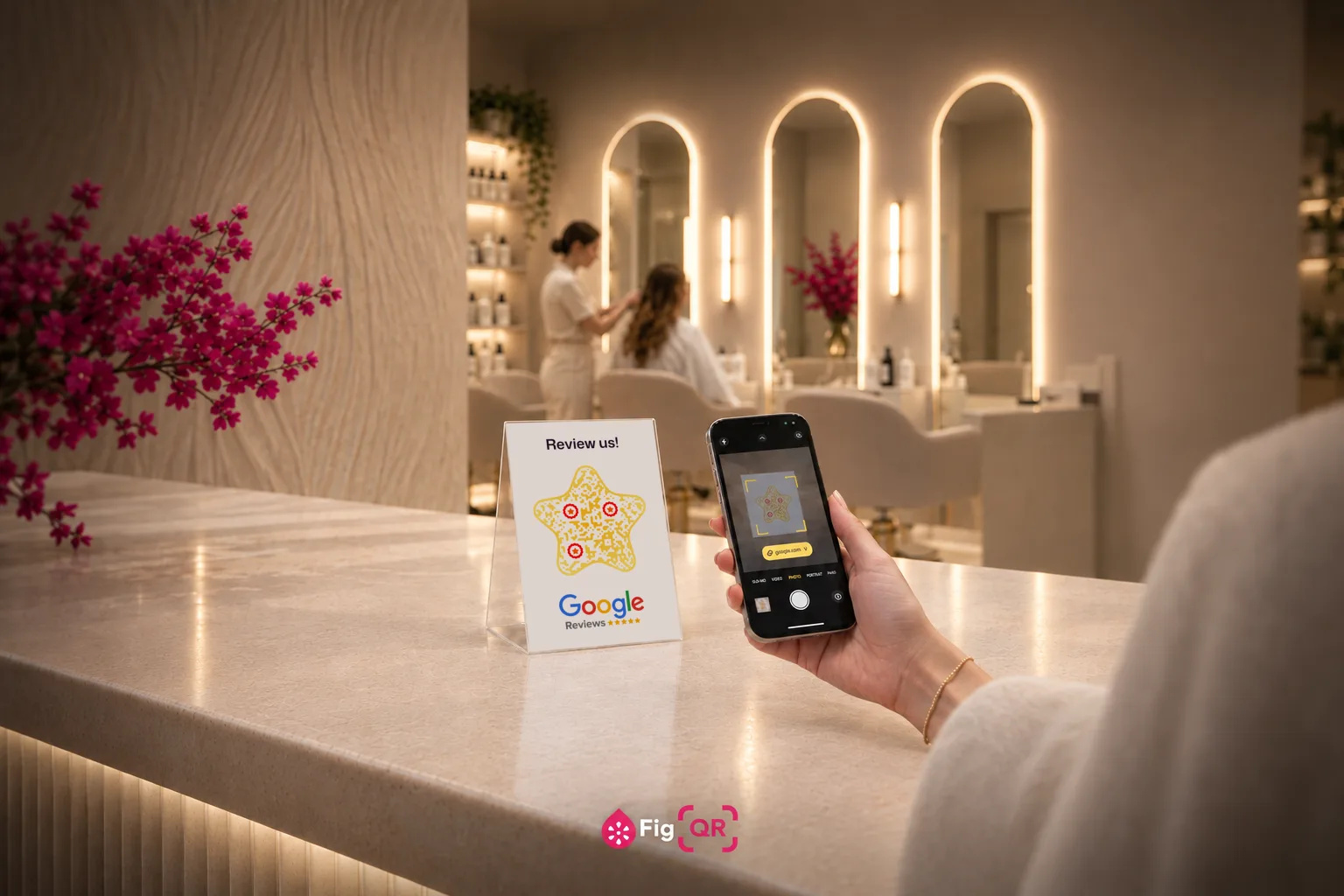
What is a Google review QR code?
A Google review QR code is a QR code that holds the direct review link from your Google Business Profile. Someone points a phone camera at it and the star-rating dialog opens straight away, with no app to install and no listing to scroll through first.
The link is written into the pattern itself rather than pointing at a redirect service, so the code keeps working for as long as your listing does. There is nothing to renew, and nobody in the middle who can switch it off.
Get the direct review link, not your listing
The difference is worth real reviews. A link to your Google listing drops someone on a page full of photos, hours and directions — they then have to scroll to reviews, tap "Write a review", and wait for the dialog. Every step loses people.
The direct link opens the star rating immediately. Find it in your Google Business Profile under "Ask for reviews" or "Get more reviews". It usually looks like:
https://g.page/r/CxXxXxXxXxXxEB/reviewThat is the one to encode. It is short, which also keeps the code chunky and easy to scan from a receipt.
Timing beats everything
Reviews are won in the minute after a good experience, not that evening. The code should be wherever that minute happens:
- On the receipt or invoice — handed over at exactly the right moment.
- At the counter, where people wait for change or a coffee.
- Inside the packaging, seen when the product is unwrapped.
- On the tradesperson's paperwork, left behind after the job.
A code by the exit is scanned by people already leaving. A code on the thing they are holding is scanned far more.
What you are allowed to do
This is worth getting right, because the penalties land on the listing rather than the person who made the code.
Allowed:
- Asking every customer, directly and out loud.
- Making it as frictionless as possible — which is what the code is for.
- Replying to reviews, including critical ones.
Not allowed:
- Incentives. No discount, entry, freebie or loyalty points in exchange for a review.
- Gating. Showing the code only to people who seemed happy, or filtering through a "how did we do?" step first.
- Buying reviews, or writing them yourself.
Enforcement means removed reviews and a penalised listing. And there is a practical argument too: a wall of identical five-star reviews reads as bought. A visible mix, with thoughtful replies to the critical ones, is more convincing to anyone actually deciding.
Why this code should be static
Review codes end up printed at volume — receipt rolls, packaging inserts, counter cards, vehicle livery. That is exactly the scenario where an expiring code hurts most: the moment a subscription lapses, every printed item is dead, and reprinting a receipt roll design is not a small job.
Your Google review link does not change. There is nothing to update, so nothing to pay for a service to update.
Label it
A bare square gets ignored. "Scan to leave a review" or"How did we do?" alongside it makes the difference. Keep the code at least 2 cm on a receipt and dark-on-light — thermal paper is already low contrast, and a pale code on it often will not scan at all.