
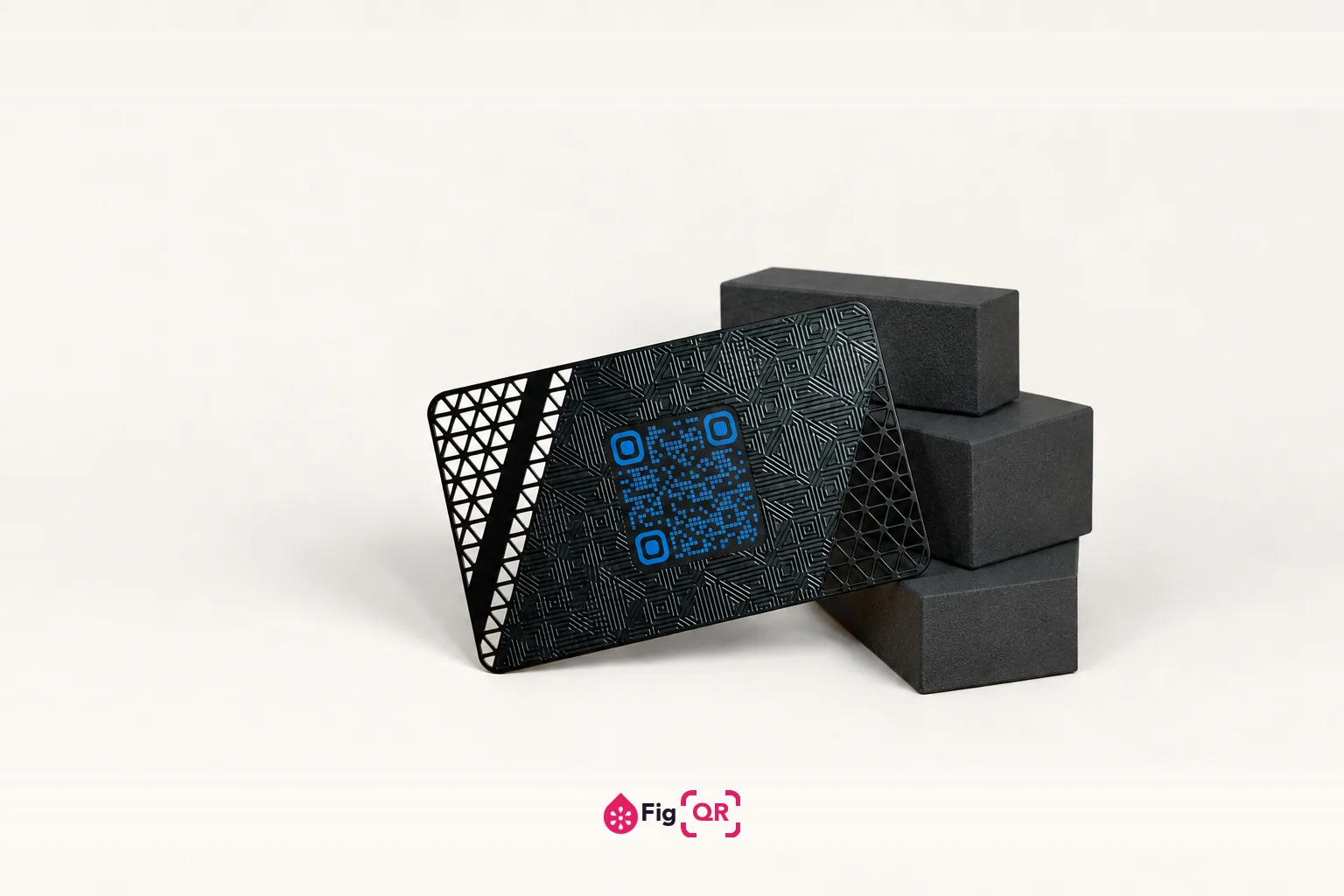
The decision that matters is the destination
Most advice about QR codes on business cards is about placement and size. Those matter, and they are solvable. The decision that actually changes whether the card works is what the code opens, and it depends on what you want to happen after the conversation ends.
- Contact details (a vCard) — saves straight into their phone's address book, works with no internet, and needs no account on either side. The right answer when the goal is simply being reachable later. The format has its own quirks, covered undervCard QR codes.
- Your website or portfolio — better when the work is the pitch. A designer, photographer or developer is usually better served by someone seeing the work than by being filed in a contacts list.
- A booking page — the strongest option if you sell time. It removes the step where somebody means to get in touch and never does.
- A social profile — the weakest, and the most commonly chosen. It works properly only for people already using that platform, and it hands the relationship to a company that can change the rules.
Everything else is a size problem
A standard card gives you 85×55 mm, and most of that is already spoken for. Aim for about2 cm square for the code. Below roughly 1.5 cm you are depending on a good camera in good light, which is not the condition a card gets scanned in — that is usually a bar, a lobby, or the inside of a coat pocket later.
The number moves with your destination. A long URL packs more modules into the same square, so each module shrinks and the whole code needs to be printed wider. If the minimum size the generator shows will not fit your layout, the fix is a shorter destination — not a smaller code. A tidy URL on your own domain is worth real millimetres here.
Leave clear space on all four sides. Codes butted against a card edge, a logo or a background block are a common failure, and they often pass on a white proof and fail once the design puts colour behind them.
Where it goes on the card
The back, in almost every case. The front is doing a different job — your name, what you do — and a code there competes for the two seconds somebody actually spends looking at it. The back of most cards is empty, and it gives the code room for something that materially raises scan rates:a line of text saying what it opens.
"Scan to save my details" or "Scan for my portfolio" outperforms a bare square, because a bare square asks people to gamble a tap on an unknown destination. That is also, incidentally, the same instinct that makes people cautious about codes in public — a caution worth respecting rather than designing around.
Printing it
Cards are the one QR use case where print quality is genuinely variable, because they are small, often on uncoated stock, and frequently printed in a single colour.
- Send vector. SVG or PDF, not PNG. Printers scale artwork, and a raster code softens at the edges when they do — softened module edges are exactly what a scanner cannot resolve at 2 cm.
- Single colour is safe, as long as it is clearly darker than the stock. One dark ink on cream is more reliable than a full-colour code on a busy background.
- Avoid metallic and spot UV over the code. Both throw the light straight back at the camera, which is the same problem as glare on a laminated menu.
- Uncoated stock spreads ink. Fibrous paper closes the gaps between modules slightly — usually harmless, occasionally fatal on a code that was already at its minimum size.
Ask for a physical proof and scan that. A PDF on a monitor proves almost nothing: a screen is backlit, flat and evenly lit, and card stock is none of those. If you would rather check the artwork before it goes to print, the QR code checker reads contrast, quiet zone and minimum print size straight off the file.
Why it should not expire
Business cards sit in wallets and desk drawers for years. Somebody finds yours eighteen months after a conference and scans it — that is the moment the card was printed for, and it is exactly when a code made through a subscription service has stopped working.
A static code has no such failure. The destination is encoded in the pattern, so there is no account to lapse and nothing between the camera and the address. The one thing to get right is that the address should be yours: point at your own domain rather than an employer's, and you can change where it leads without reprinting a thing.