
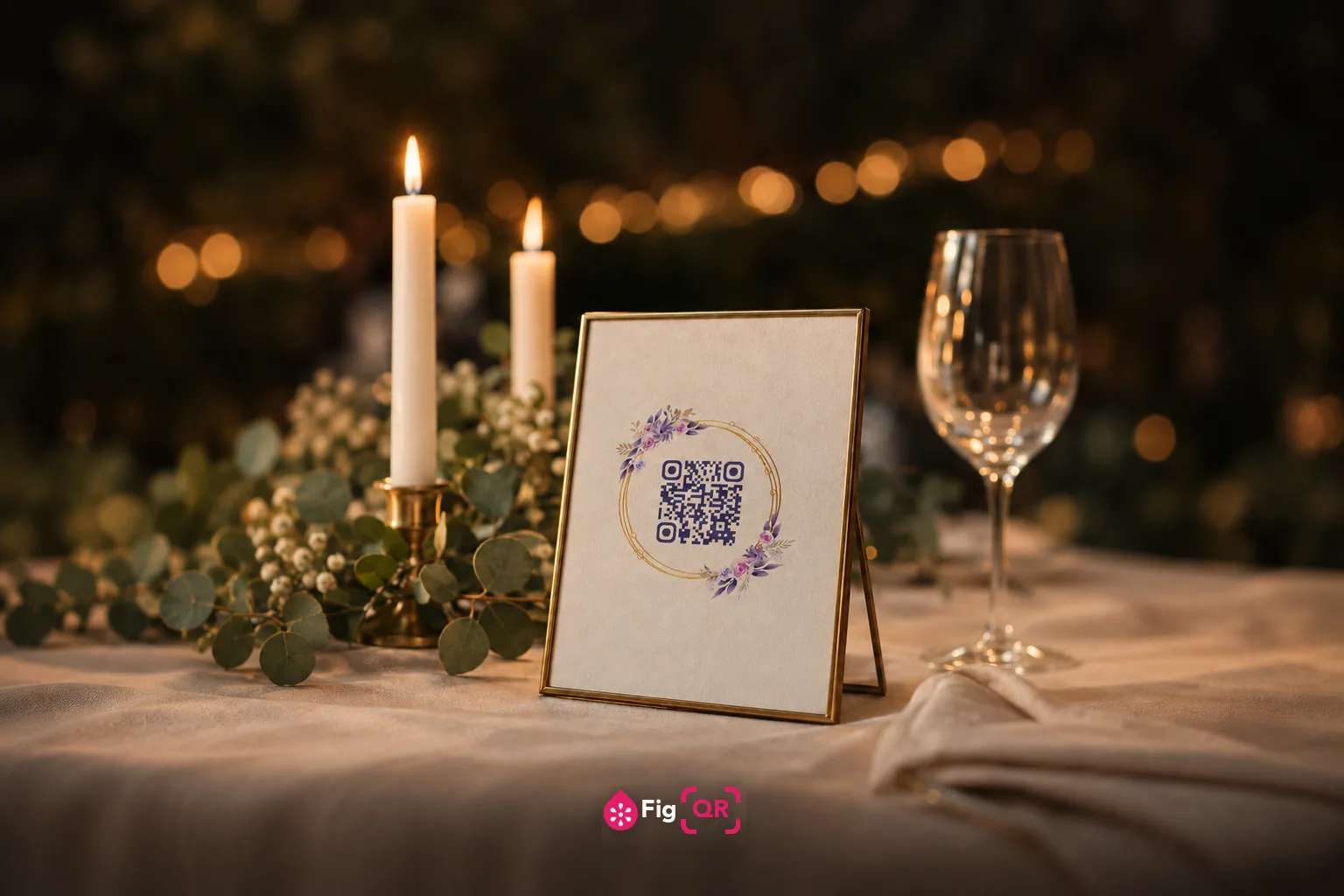
What couples actually use them for
Five uses cover almost everything, and they divide neatly into codes guests scanbefore the day and codes they scan on it:
- The wedding website — the workhorse. RSVP form, directions, hotel blocks, schedule, dress code and registry all sit behind one code, and you can edit any of them after the invitations are posted.
- Photo uploads — a code on the table that opens a shared album. This is the one guests use most, and the one worth printing largest.
- The gift registry, where a link is tidier than a paragraph of instructions.
- The seating chart or menu, on a sign at the entrance.
- A live stream, for guests who could not travel — usually on the order of service rather than the invitation.
Why a wedding is the worst place for an expiring code
Most printed QR codes have a short life. A menu is reprinted next season, a poster comes down after the event. Wedding stationery is the exception: it is printed once, in quantity, at real expense, and then kept.
The photo album code is the sharpest case. People scan it on the night, then again the following week, then on an anniversary, then when a parent wants to show somebody the pictures. If that code was made with a service that expires after a trial — or that shuts down in three years — the card is already in a drawer and cannot be reprinted.
A static code has no such failure mode. The address is inside the pattern, so there is no account to lapse, no plan to forget, and nothing between the camera and your album. That is the whole reason this site only makes static codes; the argument is set out in full understatic versus dynamic codes.
Getting it right on the stationery
Size
Invitations are read at arm's length, often in a hallway with the light behind you. About 2 cm across is the floor for a short link, and 2.5–3 cm is more comfortable on a card someone is holding. Table signage can be smaller than you think — people walk up to those — while an entrance sign scanned from two metres needs to be far larger.
The number moves with your link. A long URL needs more modules in the same square, so each module shrinks and the whole code has to be printed wider. The generator prints the minimum for your exact code as you build it.
Colour
Matching the palette is the whole appeal, and it is also where wedding codes fail. Soft blush on ivory, gold on cream, dusty sage on off-white — these look right on screen and are exactly the pairings a camera cannot separate on paper. A scanner does not see your colours; it sorts every pixel into dark or light and reads what remains.
Keep the code clearly darker than the card. If you want the palette to show, spend it on the three corner squares rather than the whole pattern — but check it, because those corners carry no error correction and are the first thing a camera hunts for.
The margin around it
Leave clear space on all four sides — four modules' worth, which the generator adds for you. Codes set tight against a border, a photograph or the edge of the card are a common failure, and they often read fine on a white proof and then fail once the design puts colour behind them.
Print one before you print two hundred
This is the only step that matters and the one most often skipped. A code that scans on your laptop has proved almost nothing: a screen is backlit, evenly lit, flat and noise-free, and card stock is none of those things.
- Print a single card at the real size, on the real stock, from the real printer.
- Scan it in the light guests will be in — dim reception lighting is harder than daylight.
- Try an older phone, not just the newest one in the house.
- Hand it to somebody without telling them where to aim.
If you would rather check before you print anything, the QR code checker reads contrast, quiet zone and minimum print size straight off an image, and tests whether the code still decodes once it has been shrunk and softened the way a phone camera sees it.
Print the address as well
One line of text beside the code — ourwedding.example.com — costs you nothing and removes the entire risk. Some guests will have an older phone, a flat battery, or a reluctance to point a camera at a square they do not recognise. The code should be the shortcut, not the only way in, and on stationery for a day people are trying to get to on time that matters more than usual.